
Merry Christmas in Cursive
Merry Christmas in cursive for cards, ornaments, and gift tags. Both capitals join the next letter, so each word is a single stroke.
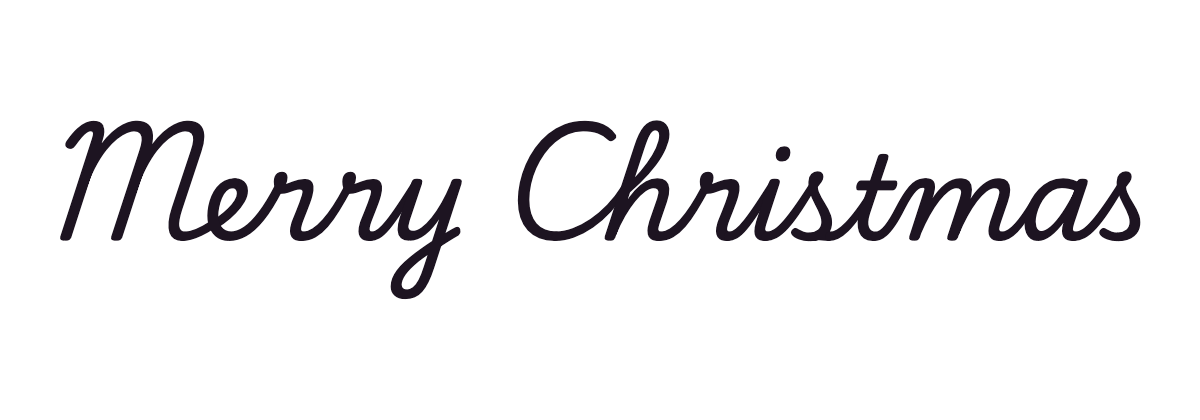
School cursivePlaywrite US Trad
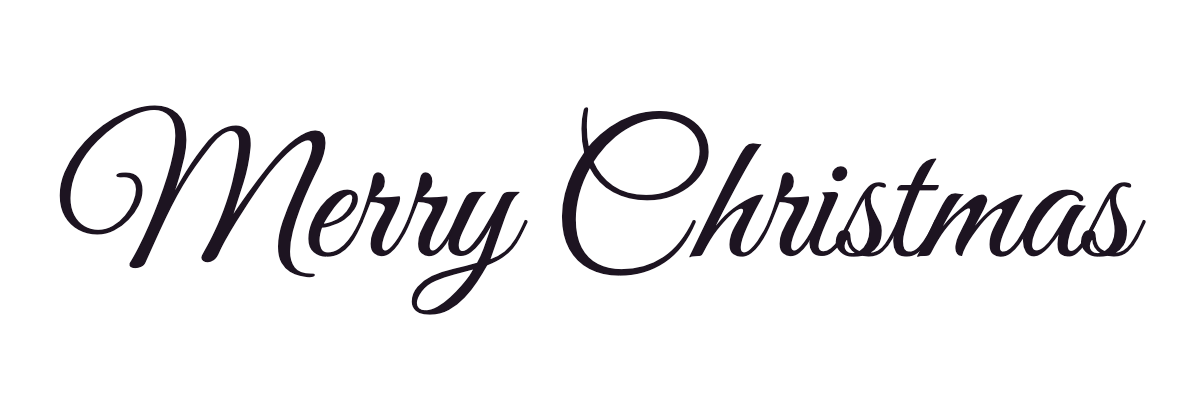
Elegant scriptGreat Vibes
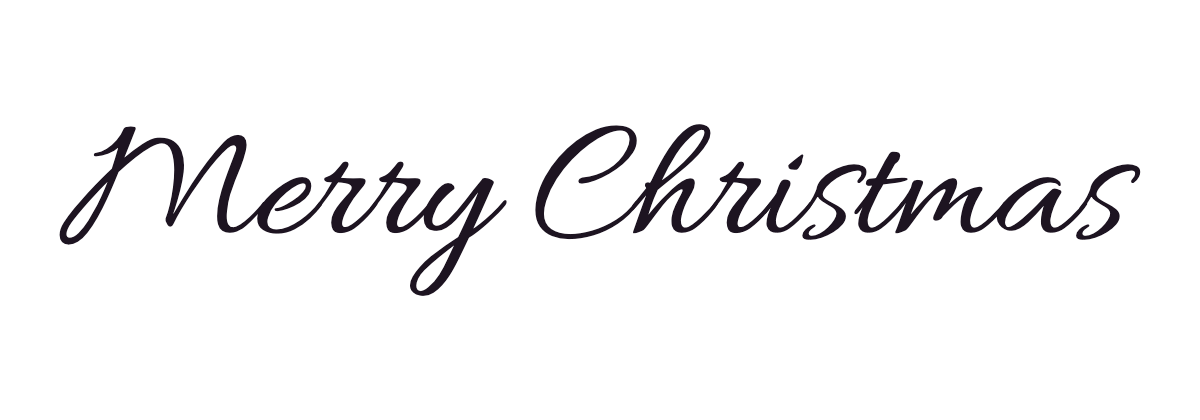
Formal scriptAllura
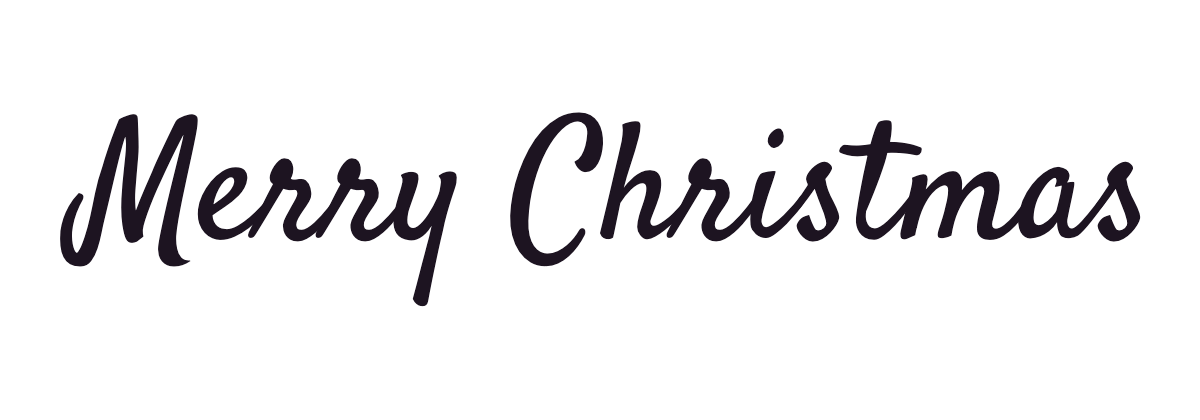
Casual scriptSatisfy
PNG and SVG files have a transparent background. For other wording, use the cursive generator.
Merry Christmas in cursive copy and paste
Click to copy. These are Unicode characters, so they paste into bios, captions, and messages, but they look different from the handwriting above.
Merry Christmas letter by letter
Open any letter to see how to write it, step by step.
Joins and pen lifts
Based on the school cursive shown first above. Other handwriting systems may join some capitals differently.
- This phrase has 2 words. Finish each word, lift the pen, and leave a space before the next one.
- Carry the capital straight into the next letter: M into e and C into h.
- Once each word is written, go back to dot the i and cross the t.
Free Merry Christmas cursive worksheet
Trace Merry Christmas on each line, then write it yourself on the empty line below. Print it at full page size.
Make a worksheet with your own words →Where to use Merry Christmas in cursive
Holiday greetings in cursive go on cards, gift tags, cake toppers, banners, and social posts. Download the transparent PNG to place the words over a photo, or use the SVG when the file has to be cut or printed large.
Questions about Merry Christmas in cursive
- How do you write Merry Christmas in cursive?
- This phrase has 2 words. Finish each word, lift the pen, and leave a space before the next one. Carry the capital straight into the next letter: M into e and C into h. Once each word is written, go back to dot the i and cross the t.
- Is the h in Christmas written with a loop?
- Yes. In school cursive the h rises with a loop to the top line, then comes down and makes a hump like an n.
- What file works best for printed Christmas cards?
- The SVG keeps the edges sharp at print size. Use the PNG if you are placing the words over a photo in an app.