
Welcome in Cursive
Welcome in cursive for door signs, chalkboards, and party banners. Copy it, download a transparent PNG or SVG, or print a worksheet.
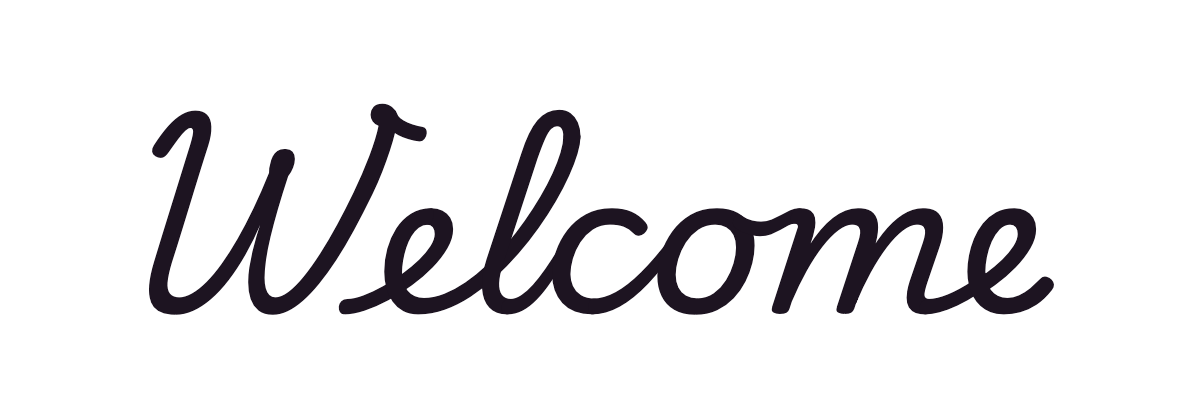
School cursivePlaywrite US Trad
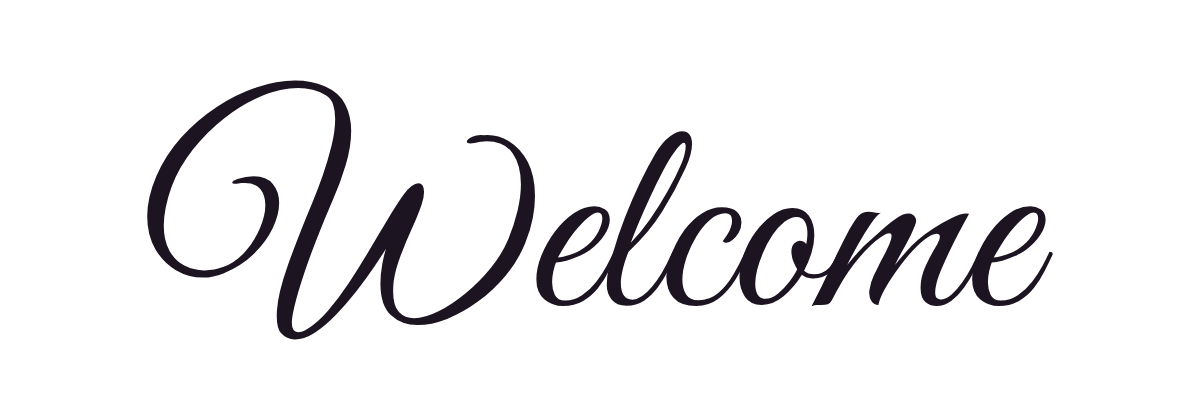
Elegant scriptGreat Vibes
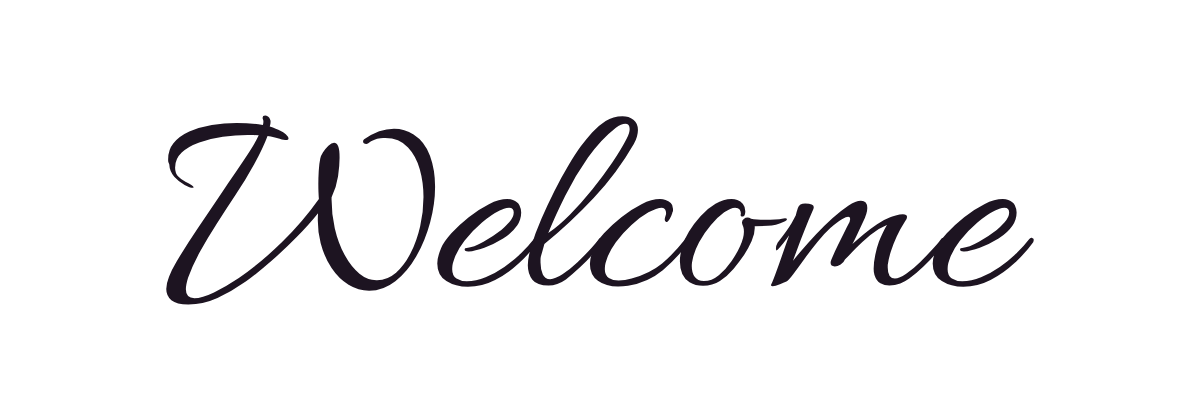
Formal scriptAllura
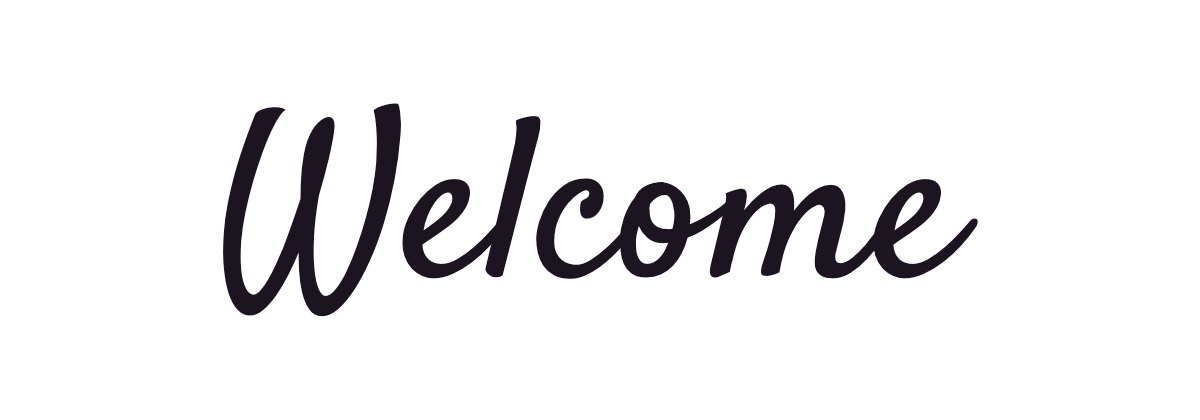
Casual scriptSatisfy
PNG and SVG files have a transparent background. For other wording, use the cursive generator.
Welcome in cursive copy and paste
Click to copy. These are Unicode characters, so they paste into bios, captions, and messages, but they look different from the handwriting above.
Joins and pen lifts
Based on the school cursive shown first above. Other handwriting systems may join some capitals differently.
- Lift the pen after capital W. In this style it does not join the next letter, so start the next letter close beside it.
- In om, the first letter ends at the midline, so the next letter joins high instead of from the baseline.
Free Welcome cursive worksheet
Trace Welcome on each line, then write it yourself on the empty line below. Print it at full page size.
Make a worksheet with your own words →Where to use Welcome in cursive
Short words like these are written in cursive for card messages, letter boards and wall art, journal headings, and tattoos. For a tattoo, print the image at the real size first and check that every loop still reads clearly.
Questions about Welcome in cursive
- How do you write Welcome in cursive?
- Lift the pen after capital W. In this style it does not join the next letter, so start the next letter close beside it. In om, the first letter ends at the midline, so the next letter joins high instead of from the baseline.
- Does the W join the e in cursive Welcome?
- Not in this school style. Capital W does not join the next letter, so you lift the pen after it and start the e close beside it.
- Which file should I use for a welcome sign?
- Use the SVG for vinyl cutting or large prints, because it stays sharp at any size. The PNG is easier to drop into a photo or a document.